
FantasySignal Live
Follow your Sleeper NFL matchup on a second screen, or put fantasy alerts over DAZN on a supported device.
Requires a connected Sleeper NFL league and Pro or an active trial.
Choose how you watch
Overlay for Fire TV
The v0.3.9 beta app requires Android-based Fire OS and the FantasySignal accessibility service. Check Settings → My Fire TV → About on your device. For Vega OS, use a second screen.
Address to enter in Downloader
https://fantasysignal.co.uk/tv.apk
- On your Fire TV, install Downloader from the Amazon Appstore. Open it with your remote, enter the address above and select Install. If prompted, allow Downloader under Install unknown apps, then retry.
- Open FantasySignal Live on the TV. In Accessibility settings, enable FantasySignal overlay. Select Test overlay over DAZN to check it works before pairing.
Continue to pairing
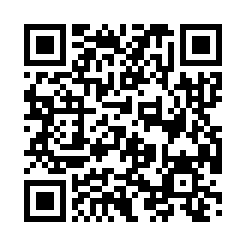
Scan to open these instructions on your phone. The pairing QR code appears in the Fire TV app.
Can’t find Developer Options?
On supported Fire OS models, go to Settings → My Fire TV → About, highlight your device name and press Select seven times. Go back to Developer Options → Install unknown apps and allow Downloader.